Why ATS Matters for Your Job Search
Over 75% of large companies use Applicant Tracking Systems (ATS) to filter CVs before they reach human recruiters. If your CV isn't optimized for ATS, it may never be seen.
Understanding how ATS works and optimizing your CV accordingly can dramatically increase your chances of landing interviews.
What is an Applicant Tracking System?
An ATS is software used by employers to manage job applications. It scans, parses, and ranks CVs based on keywords, formatting, and relevance to the job description.
Popular ATS platforms include SAP SuccessFactors, Personio, and Workday — all widely used by German and European companies.
ATS-Friendly Formatting Rules
Follow these formatting rules to ensure your CV is correctly parsed by ATS:
- Use standard section headings — 'Work Experience', 'Education', 'Skills'
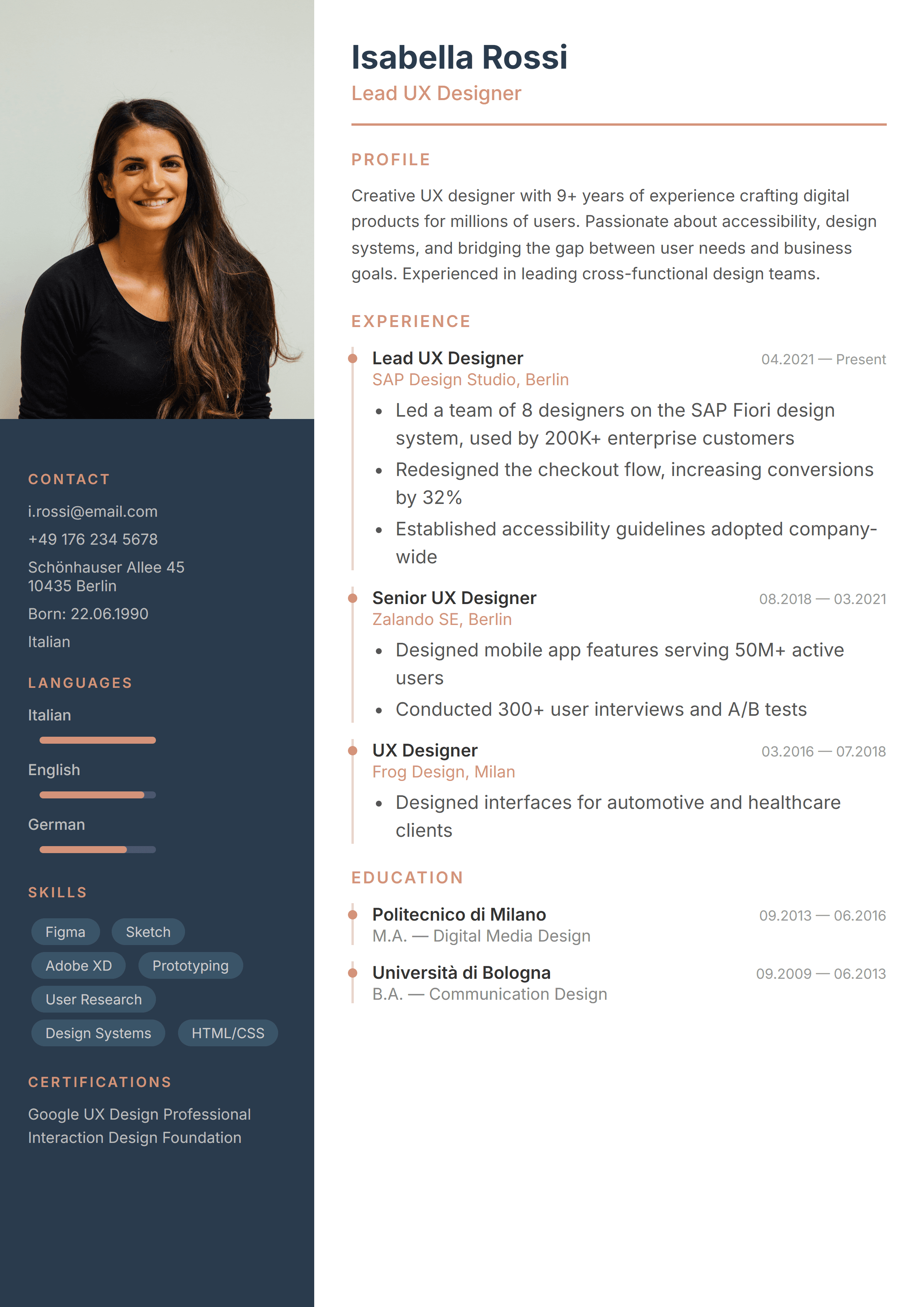
- Avoid tables, columns, and text boxes — ATS may not read them correctly
- Use standard fonts and avoid graphics or icons within text
- Export as PDF — most modern ATS can parse PDF format reliably
- Keep formatting simple — bold and bullet points are fine, but avoid complex layouts
Keyword Optimization
ATS software matches your CV against the job description. To score well:
- Mirror the exact language from the job posting — if they say 'project management', use that exact phrase
- Include both spelled-out terms and abbreviations (e.g., 'Search Engine Optimization (SEO)')
- Place important keywords in your work experience and skills sections, not just in a keyword list
Test Your CV
Before submitting your application, test your CV for ATS compatibility. A good practice is to copy-paste your CV into a plain text editor — if the content is readable and well-structured, it's likely ATS-friendly.
Our templates are designed to be ATS-friendly by default. Browse our ATS-optimized templates
Create Your ATS-Friendly CV
Don't let automated systems stand between you and your dream job. With the right formatting and keyword strategy, you can ensure your CV gets through ATS and into the hands of real recruiters.